Fix! Hard Drive is Detected But Not Showing up In Windows

Last updated on October 22nd,>>>Sometimes the hard drive may not show up or detected in Windows explorer but available in Disk Management. You may encounter that your internal, external, and new hard drives become unrecognized or totally undetected in Windows. Depending on the specific situation, you will have different solutions to try. In some cases, … Read more

Should We Or Should We Not Defrag SSD Drive

defrag SSD

Last updated on March 10th,>>>Should we Defrag SSD drive? For the older hard drives (lets name HDD before SSD came), it’s useful to defrag a hard drive regularly. Since these drives have moving parts, like the platter, read/write head etc. But what about the SSD (Solid-state device) drives? SSDs don’t have any moving parts. Should … Read more

Windows 8.1 Tip:How To Refresh,Reset Windows 8.1 PC

Reset Windows 8.1 PC

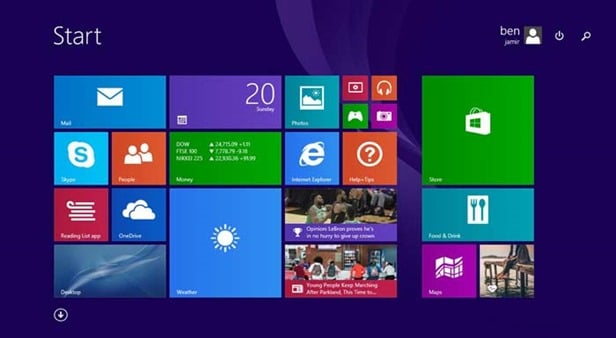
Last updated on September 25th,>>> How to refresh, reset or restore windows 8.1 PC,  to its factory default settings. Before Windows 8, resetting a windows PC was complex and time-consuming. But after Windows 8, 8.1, it’s very easy to return your PC to its factory-fresh state in just a few minutes. Since my blog, I … Read more

How To Partition A Hard Drive In Windows

Last updated on August 15th,>>>These days hard disk capacity sizes have increased considerably. One TB size has become the norm. So if you have installed a new hard drive, the first thing to do after installing a hard drive is to partition it. You have to partition a hard drive, and then format it, before … Read more

How to Disable Autorun And Autoplay in USB drives

How to disable autorun

Last updated on May 8th,>>>The Windows AutoRun feature enables any external program to run automatically as soon as the media is inserted. This setting leaves you vulnerable to malware. How to Disable Autorun and autoplay in USB drives and protect your Computer from Viruses By default whenever you insert a USB device on your computer, … Read more